
VariPOS Documentation
Read module-by-module like an operations story. Every scene tells what to do, what to check, and what outcome to expect.
Read module-by-module like an operations story. Every scene tells what to do, what to check, and what outcome to expect.
You open VariPOS for the first time and prepare your shop for smooth daily usage.
First-time setup for a real shop counter: complete settings, add masters, and do safe trial bills before live usage.
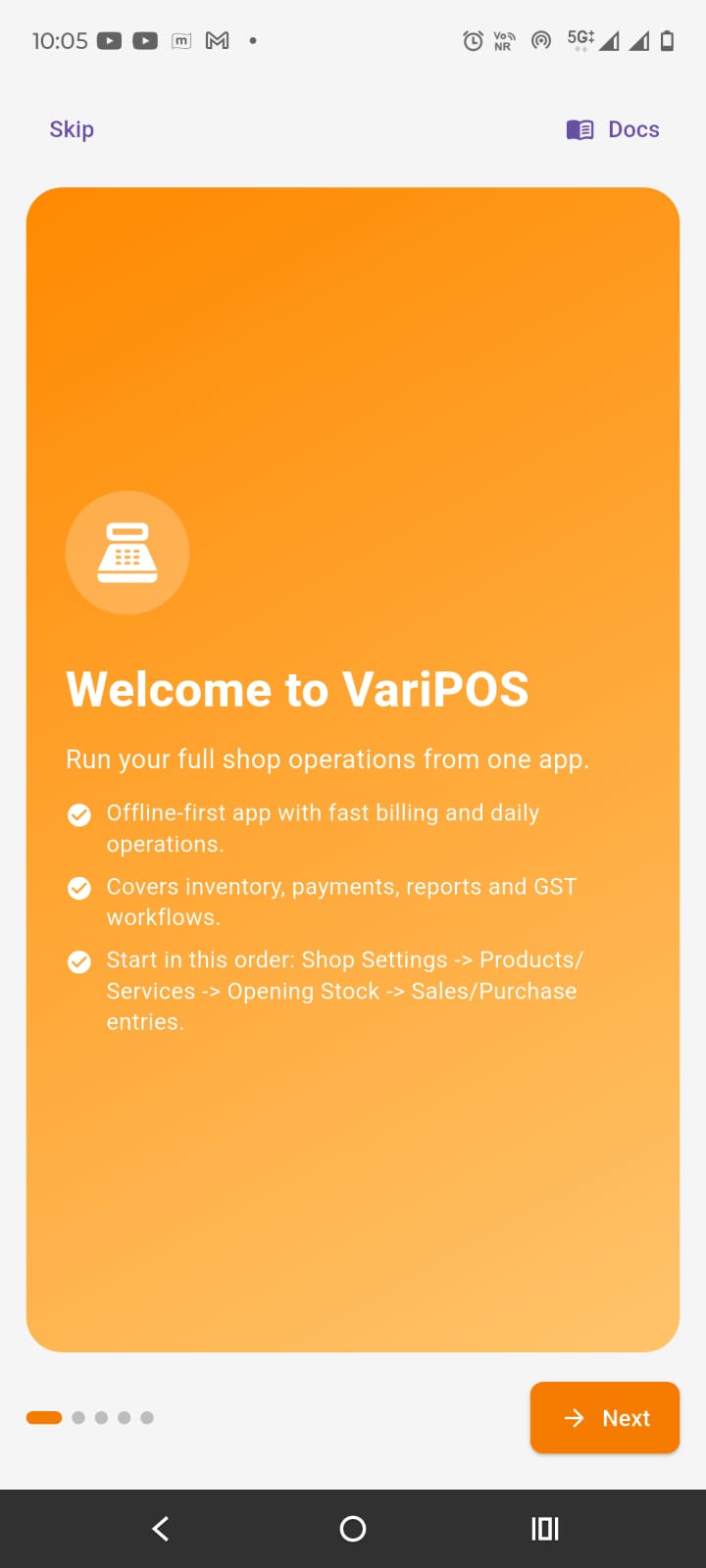
Use one dedicated Android phone/tablet for billing and keep battery above 30% during business hours.
Allow required permissions (storage/media/camera) so invoices, exports, and product images work properly.
Keep printer (if used), internet (for backup/share), and WhatsApp sharing on the same device checked once.
First-time setup for a real shop counter: complete settings, add masters, and do safe trial bills before live usage.
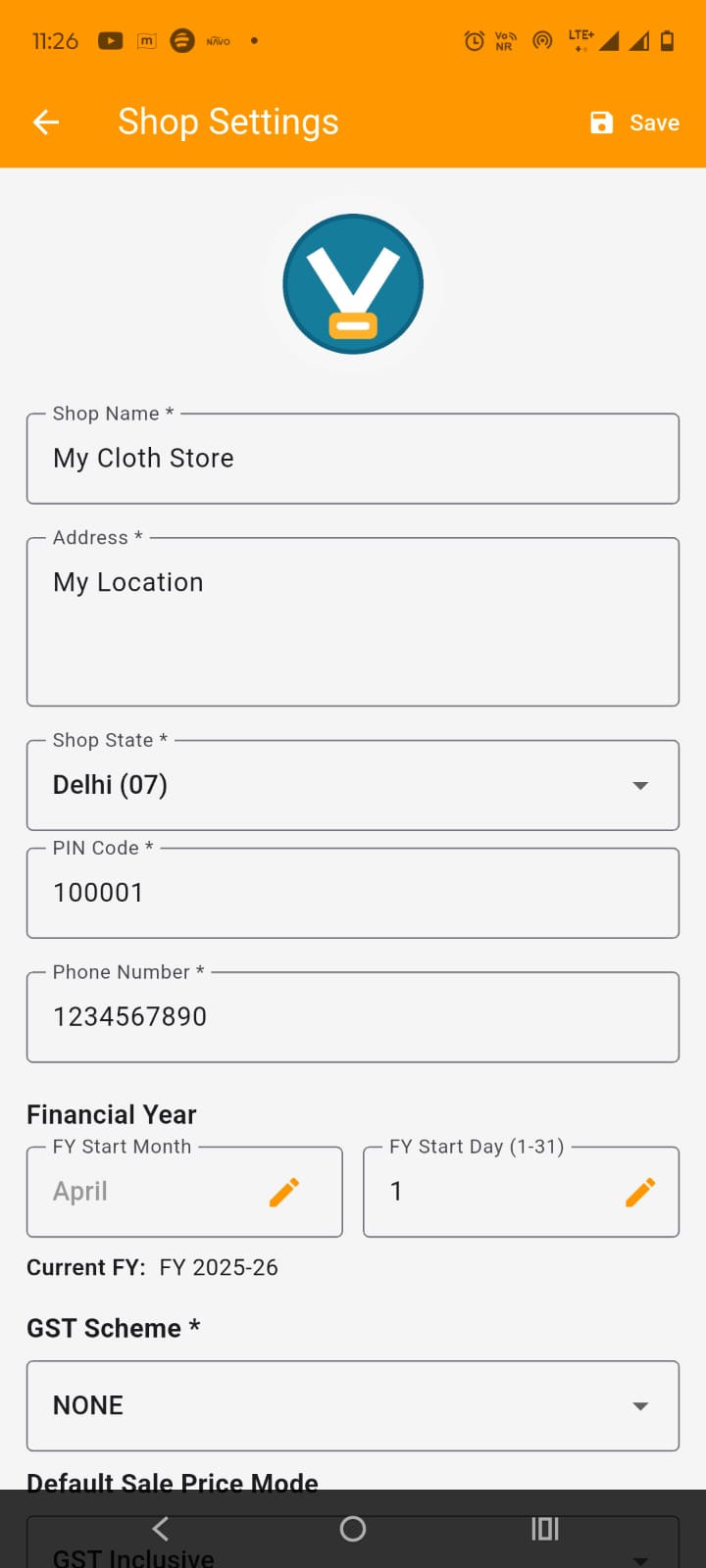
Complete Shop Settings first: shop profile, FY start, GST scheme, and document numbering.
Create masters next: Products/Services, Customers, Suppliers, and opening stock/opening balances.
Only after setup, create one trial Invoice and one trial Purchase to verify numbering and totals.
First-time setup for a real shop counter: complete settings, add masters, and do safe trial bills before live usage.
Check invoice PDF preview/share, purchase PDF preview/share, and one Excel export.
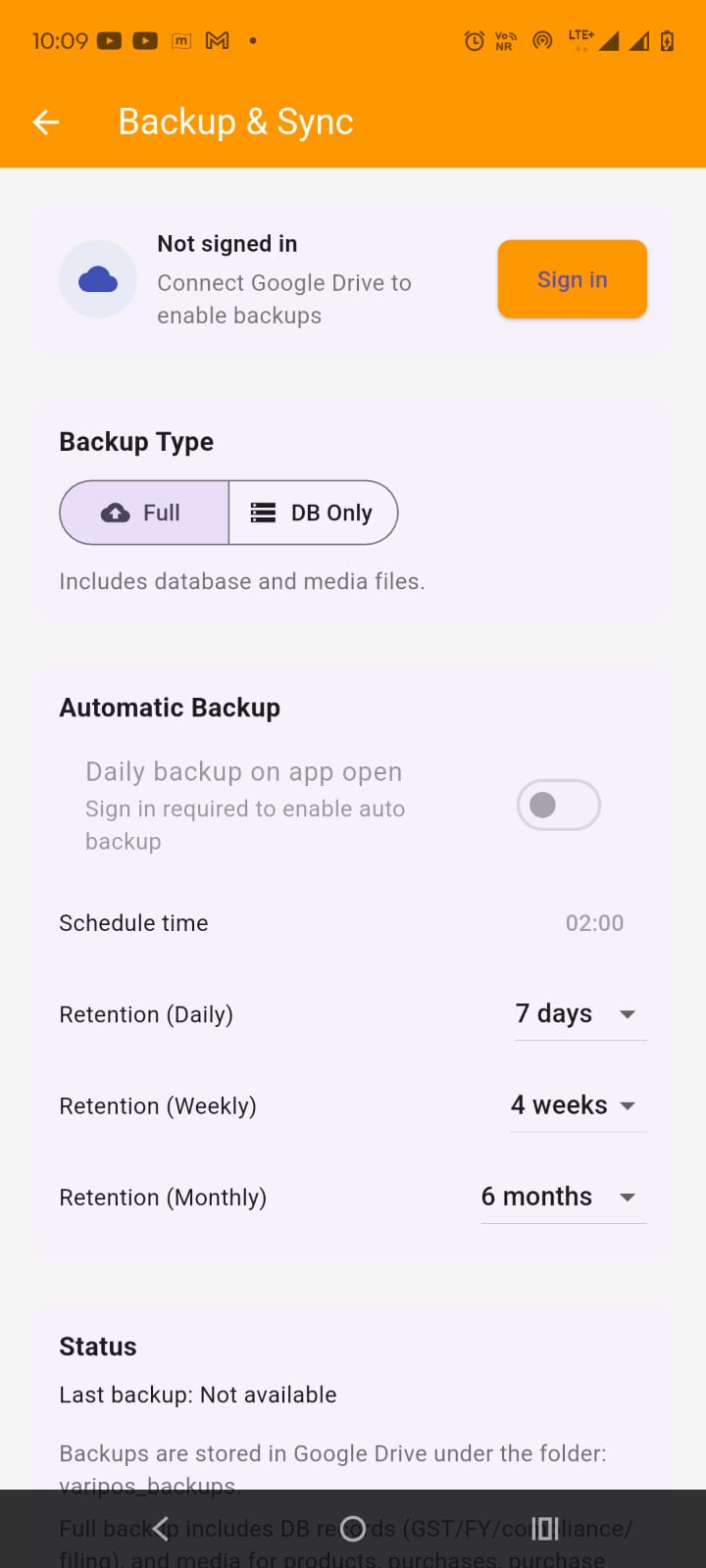
Take one backup after trial entries so you have a known safe restore point.
Start live billing only after trial entries look correct in dashboard, stock, and reports.